Serial Flux
Keyboard Console
The Keyboard Console provides two convenient ways to manually send data to a selected connection. You can transmit characters immediately as you type, or compose a complete line and send it when you press Enter.
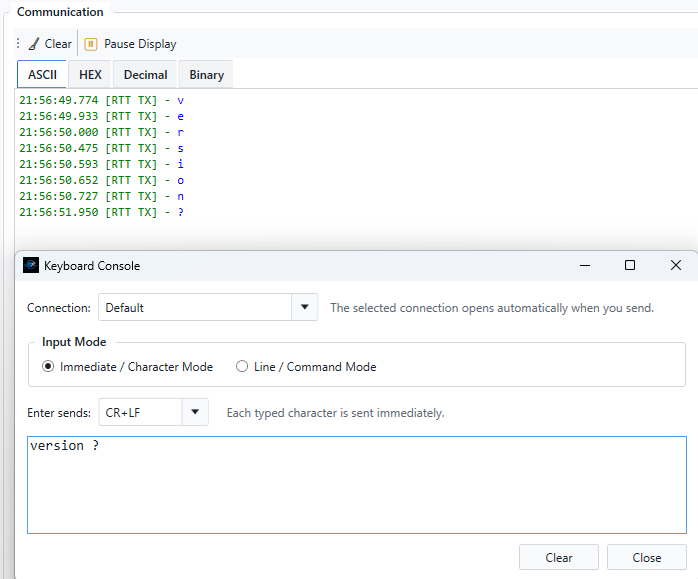
Send as You Type
In immediate mode, each character is transmitted to the selected device as soon as it is typed.
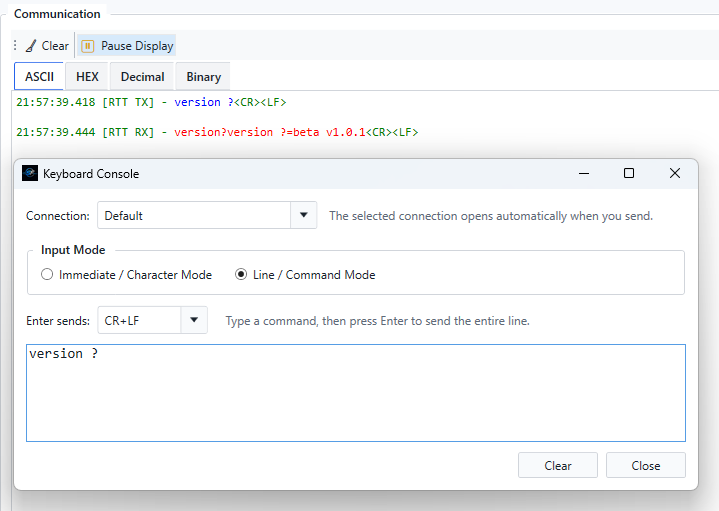
Press Enter to Send a Line
In line mode, you can type or edit the complete command first, then press Enter to transmit the line to the selected device.